
Drop JPEG, PNG, WebP, GIF or SVG images.
Click COMPRESS, then save or adjust quality.
Convert Word (.docx) documents and image files directly to PDF.
100% Client-Side Privacy: Your documents never leave your device.
Privacy & Metadata
GPS & EXIF data are automatically stripped.
document.docx
How shrink.lt Works
Instant batch compression & PDF conversion directly in your browser
Drag & drop or browse photos (JPG, PNG, WebP, SVG) or Word documents (.docx, .doc).
Inspect compressed images with real-time split view, or preview rendered Word sheets and merged photo pages.
Download optimized images, ZIP batches, or generated high-resolution PDF documents instantly with zero upload wait.
100% Client-Side Privacy Guarantee
Your photos and confidential Word documents never leave your device
All compression, vector minification, Word parsing, image merging, and PDF generations execute entirely in browser memory (WebAssembly & HTML5 Canvas), guaranteeing total confidentiality and zero network latency.
Location tags, GPS coordinates, device models, and sensitive personal metadata are purged automatically during compression before publishing online.
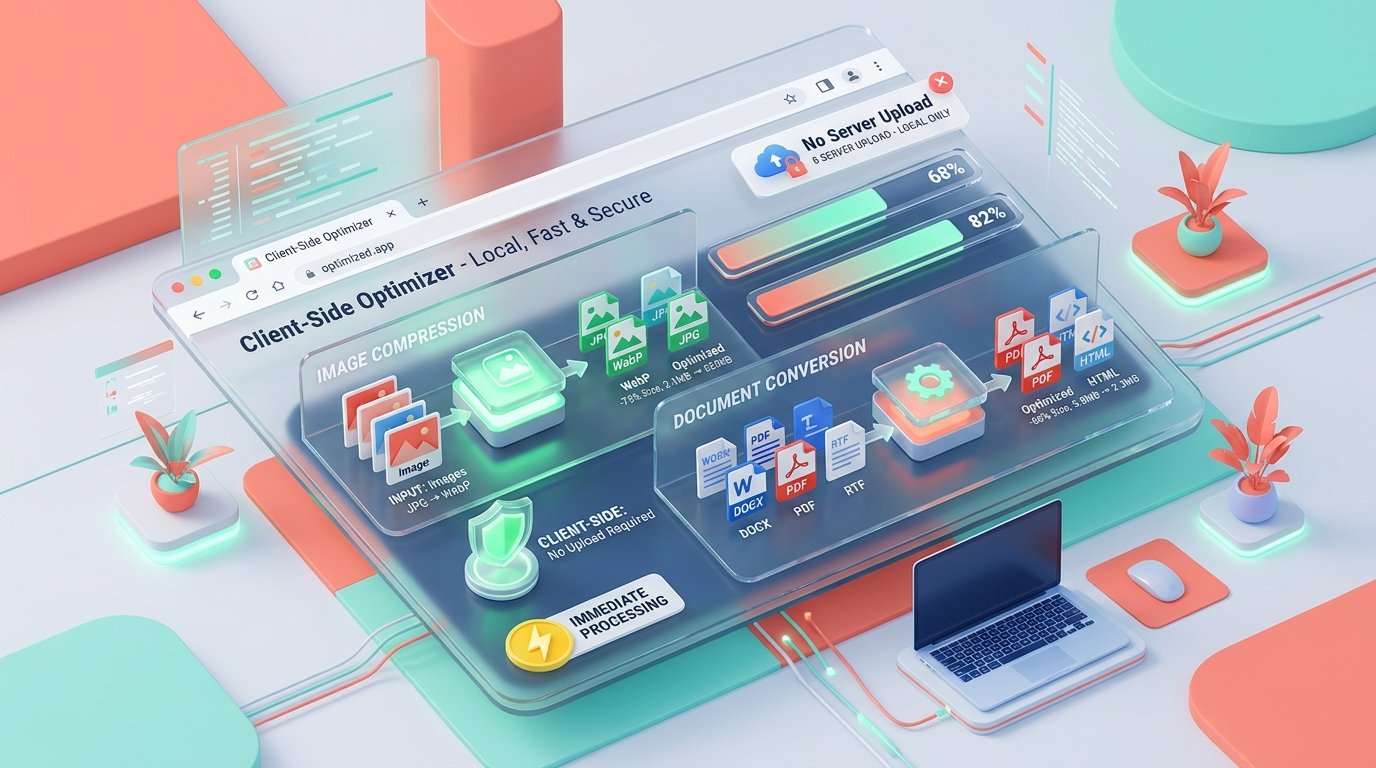
Understanding In-Browser Compression & Document Conversion
HTML5 Canvas & WASM
Pixel-level chroma subsampling and bicubic downscaling execute straight on your device graphics card and CPU threads through Web Workers without server roundtrips.
Hardware-Level Security
Confidential photos, client invoices, and internal Word sheets never leave your physical workstation or mobile browser sandbox. Zero data storage risks.
Optimal Format Selection
Convert seamlessly to WebP for up to 80% smaller web payloads, PNG-8 for sharp vector illustrations, or compressed JPEG for photo-rich galleries.
Frequently Asked Questions
Everything you need to know about our privacy architecture and tools
Are my photos or documents ever uploaded to your servers?
No. Unlike traditional converters that upload your data across the internet to a third-party server, shrink.lt processes 100% of your images and DOCX documents in your local device RAM using WebAssembly and client-side JavaScript.
What is the maximum file size or batch quantity?
Because file processing occurs locally on your machine rather than incurring server hosting costs, we place no artificial restrictions or paywalls on your batch volume or image dimensions.
How does EXIF metadata stripping work?
Digital cameras and smartphones embed sensitive telemetry in images (GPS coordinates, camera model, date/time, author). When you compress or convert images, shrink.lt discards non-essential header segments, safeguarding your privacy.
Why is shrink.lt free and how do you support the service?
shrink.lt is supported through non-intrusive, privacy-compliant advertisements served via Google AdSense. We do not sell user data, collect emails for downloads, or lock features behind subscriptions.